
Objectives, logical frameworks, project categories, budgets, workplans, milestones, teams, and targets.
NGO operations platform
Run projects, people, money, compliance, and evidence in one place.
N-Ops360 is built for NGOs that need daily operating discipline, donor-ready records, role-based access, and a clear view of what needs attention.
17 live sidebar modules19 operational areas7 role levels
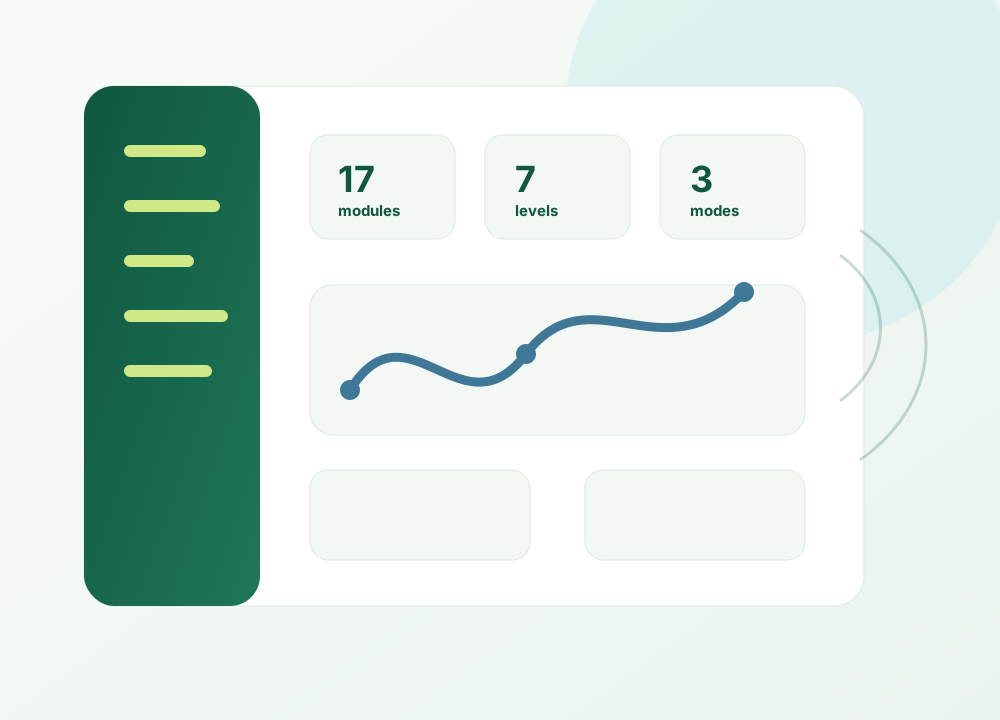
Current product shape
A 360 degree dashboard backed by live module data.
The home dashboard shows project health, key figures, attention items, meeting updates, module summaries, and role-specific cards. The financial-year selector flows through the system so year-based records stay aligned.
Project health firstProject cards show budget vs spent, milestones, tasks, beneficiary progress, risks, and alerts.
One source of truthFinance, HR, beneficiaries, board, projects, compliance, documents, and reports pull from connected records.
Access that respects rolesSeven role levels plus project scoping keep each user inside the work they are authorised to handle.
Operating rhythm
Plan. Deliver. Control. Report.
N-Ops360 connects strategy to project execution, project execution to evidence, and evidence to reports for boards, donors, funders, auditors, and leadership reviews.
Projects, beneficiaries, volunteers, staff movement, trainings, transport, hospitality, stock, and activities.
Finance approvals, compliance tasks, risk radar, grievances, access records, recycle bin, and audit history.
Report studio, saved snapshots, donor-ready project reports, board summaries, exports, and in-app evidence.
Live workspace
17 live sidebar modules covering 19 operational areas.
Public Relations and Media are combined into one workspace. Compliance and Risk are also combined. Hospitality and Transportation are now part of the live operating cluster.
Legal identity, registrations, documents, SDGs, structure chart, linked projects, awards, and bank accounts.
General Body, Executive Committee, office bearers, project boards, meetings, approvals, and minutes.
MoA objectives, logical framework, project links, indicators, assumptions, and yearly targets.
Health score, workplan, milestones, documents, donor grants, alerts, closure, and project assistant.
Budgets, donations, grants, releases, expenses, approvals, bank book, reconciliation, assets, and receipts.
Recruitment, staff records, shifts, attendance, payroll, leave, gate passes, trainings, and exits.
Registry, documents, services, in/out passes, trainings, school records, sports fitness, and quick-view cards.
Opportunities, public signup links, applications, onboarding, attendance, hours, and summary reporting.
Templates, project setup, workplan monitoring, data entry, reports, key points, and learning notes.
Assets, licences, access records, incidents, stock, resource map, store setup, and recycle bin.
Stakeholders, outreach, fundraising events, awards, media mentions, assets, publications, newsletters, campaigns, and handles.
Suggestions, complaints, confidential categories, SLA tracking, assignments, action taken, and closure.
Statutory checklist, HR and finance compliance, assigned tasks, evidence, risk register, and risk radar.
Audience-ready templates, live report blocks, private/shared presets, frozen snapshots, and PDF/Word/Excel exports.
Admin control over module access and Organisation Profile section visibility.
Buildings, rooms, guest stays, visitor and parent gate logs, event schedules, tasks, photos, and printable views.
Vehicles, drivers, routes, trips, gate movement, fuel, maintenance, renewals, expenses, and tracking.
Inbox, employee chat, support chat, Opsy guide bot, notifications, import, export, audit log, and tenant telemetry.
New depth where NGOs need it
More than records: workflows, approvals, and safeguards.
The current codebase includes practical controls for everyday NGO work, not only static data entry.
Category settings decide whether a project gets academic setup, attendance, fees, marks, health, teachers, sports fitness, competitions, and activities.
Staff and beneficiaries can have in/out status, passes, approvals, due-back tracking, visitor logs, and contact exports.
The system scans other modules for overdue dates, missing dates, expired records, stuck approvals, and open operational risks.
Most deletes move records to the recycle bin with child records intact, so administrators can restore instead of losing data.
Usable by real teams
Built for managers, project staff, finance, HR, admin, and field users.
Users see a simpler workspace when their role requires it. Project staff can be scoped to their own project. Level 3 staff can work with stock and store without receiving full IT administration access.
Guided help inside the appOpsy answers how-to questions from the user guide, while Support chat reaches the N-Ops360 support team.
Imports and exports everywhereModules support practical Excel/CSV import, plus Print/PDF, Word, and Excel outputs.
Theme and mobile-friendly workThe app includes selectable themes, a collapsible side menu, mobile drawer navigation, and project-mode navigation.
Deployment that fits
Your data, your operating environment.
N-Ops360 can run as a dedicated cloud tenant or as an on-premise installation. The A Thousand Trees console can monitor enabled tenants without mixing one NGO's database with another.
See it with your own workflow
Bring one process that is difficult today.
We will show how N-Ops360 can organise it, who should see it, what records are needed, and what a practical rollout could look like.
Request a guided conversationWhatsApp +91 9542 777 432helpgoodworkgrow@gmail.comSend a detailed enquiry